Browse your local library
Explore folders in gallery, grid or list view, move between photos with the arrow keys, and return to where you left off.
 A little more color, every day.
VIEWER.by / macOS
Browse local photos on Mac and inspect OM SYSTEM / Olympus JPEG recipes and camera gear. For Apple Silicon and Intel Macs running macOS 15 or later.
Installation guide ↓
v1.0 (5) · 19.9 MB
macOS 15 or later · Apple Silicon and Intel
Download for MacNotarized by Apple
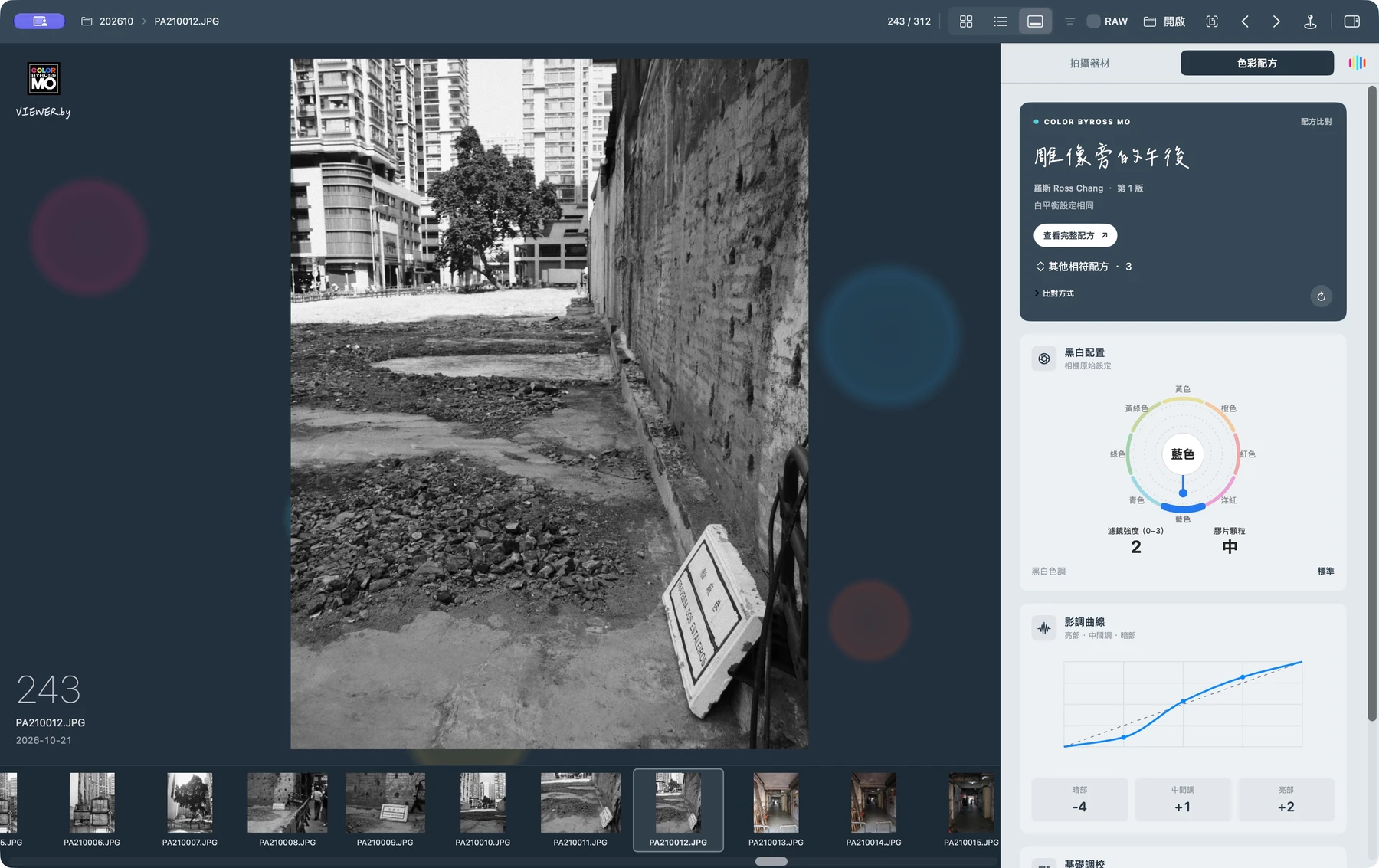
Explore folders in gallery, grid or list view, move between photos with the arrow keys, and return to where you left off.
Inspect colour wheels, tone curves and white balance in supported original OM SYSTEM / Olympus JPEGs, and compare settings with the COLOR.by public catalogue. Matching settings do not establish the photo author or recipe reference source.
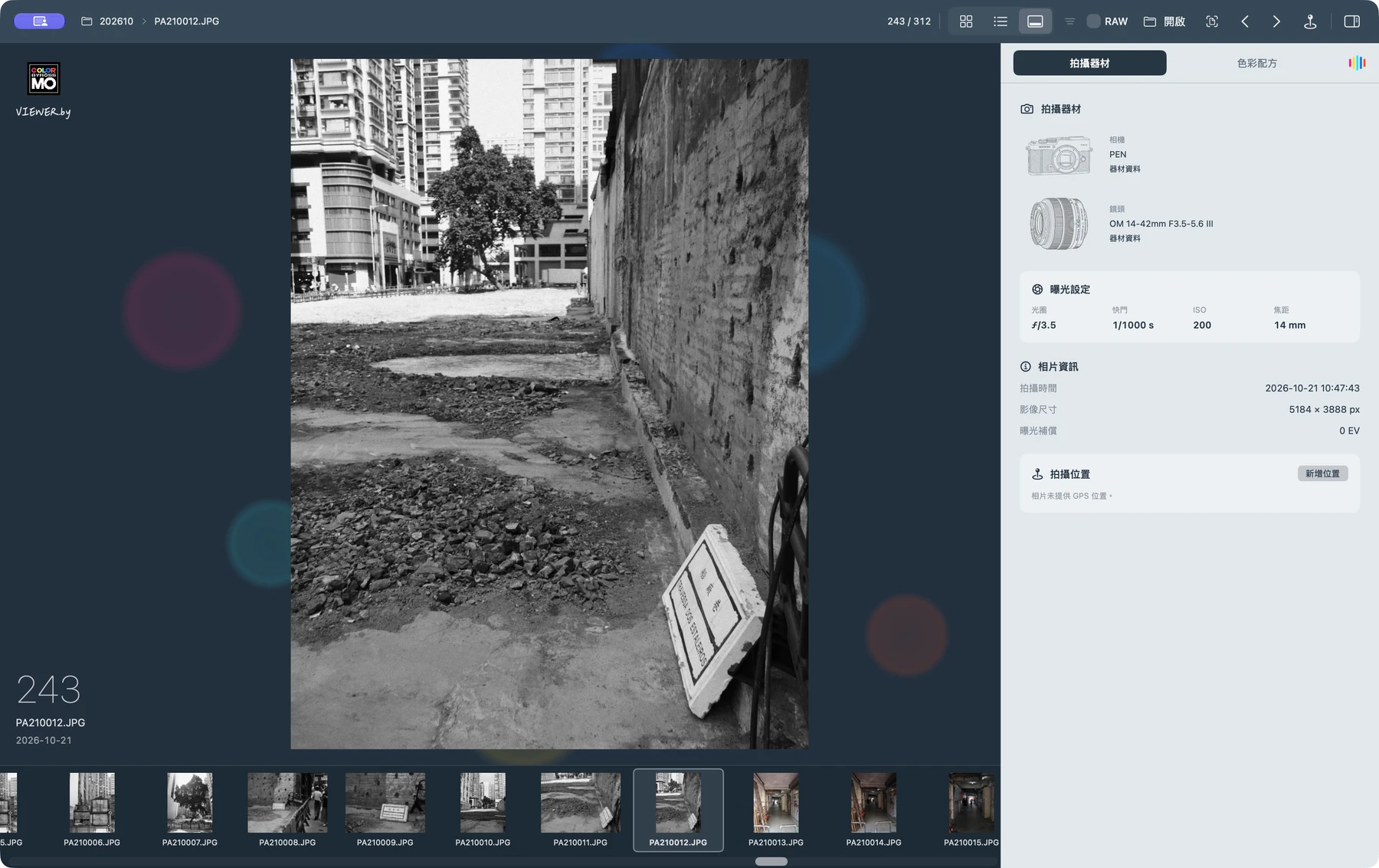
Review camera, lens, aperture, shutter speed, ISO and focal length. Supported gear includes illustrations; unrecognised models retain their original names.
Review camera, lens, aperture, shutter speed, ISO and focal length. Supported gear includes illustrations; unrecognised models retain their original names.
Choose a shooting location on the map or read one from a photo, then write GPS coordinates to a supported JPEG. Back up the file first; place names are not written.

Open the downloaded DMG, drag VIEWER.by into Applications, then launch it from Applications.
macOS 15 or later · Apple Silicon and Intel
Download for MacPhotos and their settings are not uploaded. The app downloads public recipe and equipment catalogues for offline use. Maps and location features use Apple services.
RAW display depends on macOS decoding support; RAW recipes are not parsed. Browsing leaves originals unchanged. Manually setting a shooting location writes GPS to supported JPEGs; back them up first.
v1.0 (5) ·
First website download: local photo browsing, JPEG recipe inspection, public catalogue matching, equipment details and JPEG location editing.
4ce0dc58c02983965ed1eb6d6bfcd859909fc7d21a3a436364633cc207501788Based on SimpView under the MIT licence, included with the app. VIEWER.by is an independent project and is not an official camera-brand product.